 COME
COMECOME Settings: Language, Sound and Update Controls
COME Settings separates Language, Check Update, Music and Effects. Use the control that matches the change you want instead of treating every preference issue as a reason to reinstall.
Read the four controls
Language concerns the displayed language. Check Update concerns release checking. Music On/Off and Effects On/Off are separate sound preferences. Their proximity in the menu does not mean changing one should require changing all the others.
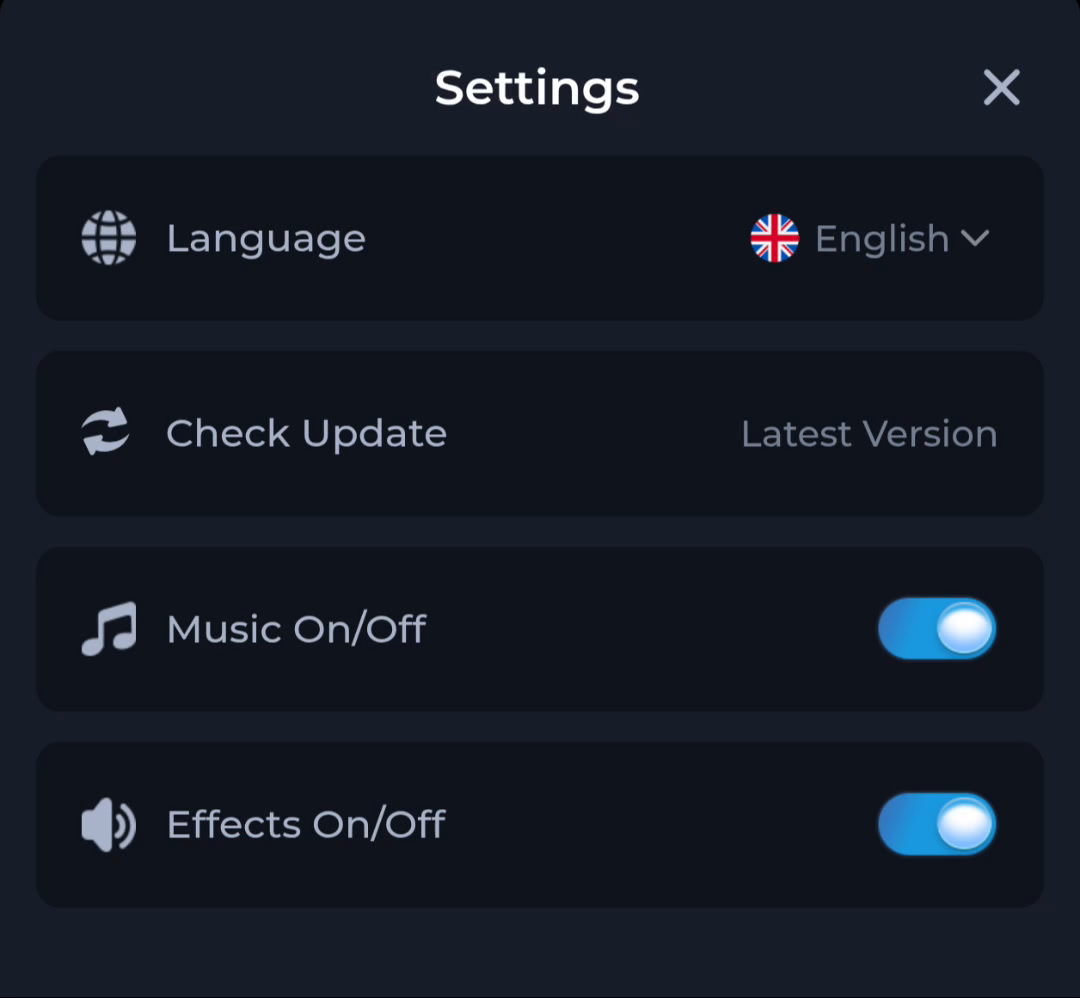
Start by naming the problem. If text is difficult to read, review Language. If music is unwanted, use the music control. If sound effects are the issue, use Effects. If you are comparing releases, use Check Update and record the actual version information separately.
Change one preference at a time
Make one deliberate change and check the result before moving to another. That lets you connect the control to its effect. Rapidly changing several controls can make it harder to know which setting affected the behaviour you wanted to change.
The actual interface can vary by version. Read the current menu labels instead of assuming a fixed location on every phone. If a control is absent, do not invent its replacement; return to the product help route.
Keep device sound separate
The phone's volume and audio output are separate from an in-app preference. If an app setting appears correct but sound is still absent, also consider whether the device is muted or sending audio elsewhere. Check the obvious state before replacing the app.
Do not infer that a sound problem proves an APK is corrupt. A preference, device volume or output choice can be relevant. Conversely, a device-level error needs its own investigation and should not be disguised as a normal setting.
Update checking has a different result
The visible Check Update item has Latest Version status wording beside it. That status is not a release number. Compare the version installed on the phone with the version offered by the source when deciding whether to update.
If an update is offered, follow the Android installation process and preserve account access. A successful tap on Check Update is not proof that a package downloaded or installed.
Return to help with a specific question
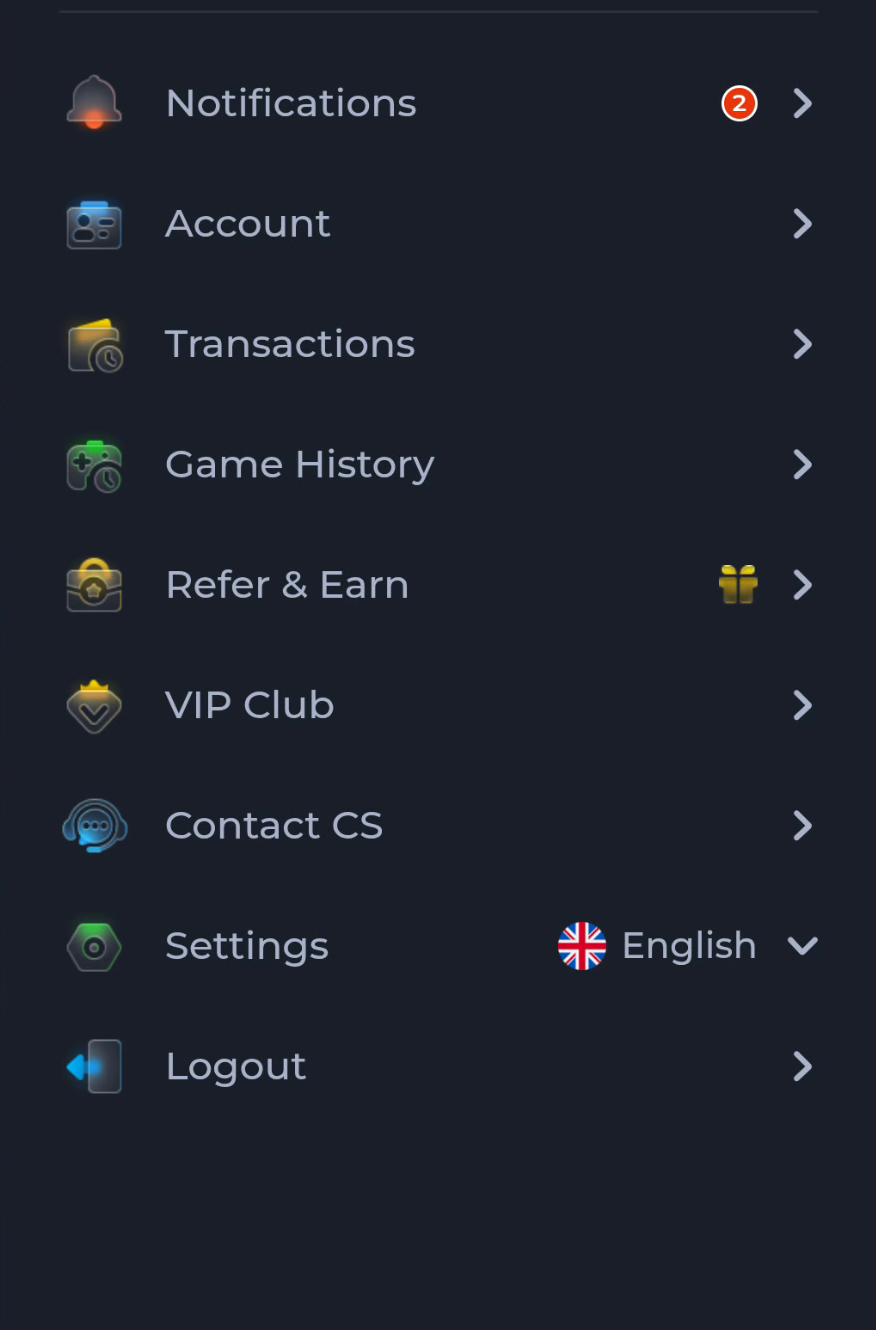
Contact CS appears in the account menu, and Customer Center contains General help. Describe the control you used and what happened afterward. “Effects is off but this sound continues” is more precise than “the app is wrong.”
Keep account secrets out of the message. For a preference issue, the setting state and device context are usually more relevant than a payment record or password.
A useful finish check
Return to the original task: readable language, the intended sound preference or a recorded update status. If you changed a preference, confirm its effect in the relevant screen. If you checked a release, keep that information for a separate installation decision.
Know when to stop
Finish when the intended preference is set or the update question is clearly identified. Do not reinstall solely to compensate for a control that has not yet been checked.